Introduction
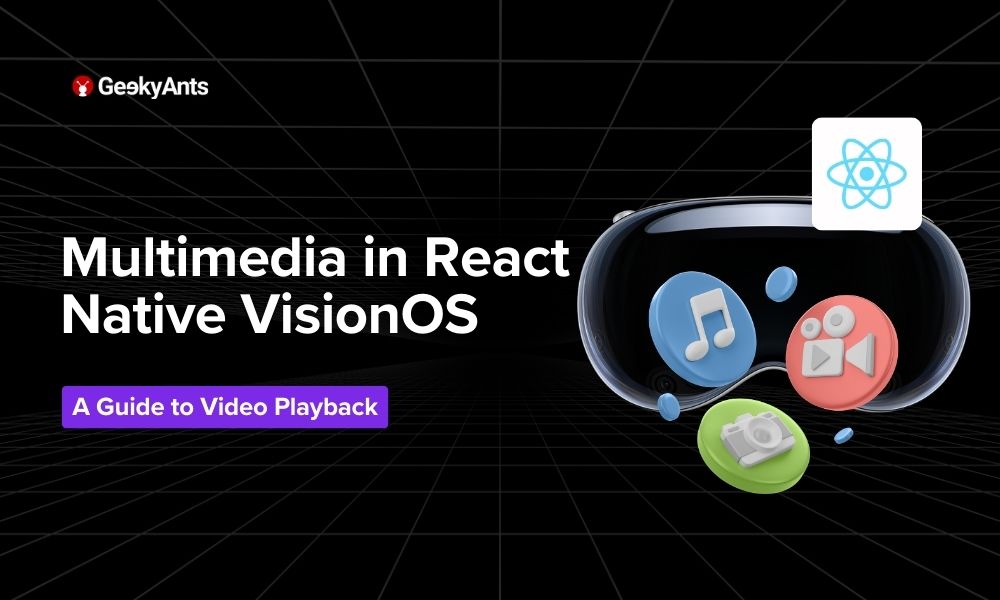
In the digital era, video content plays a pivotal role in user engagement and content delivery across applications. React Native VisionOS, an innovative fork by Callstack, opens up new vistas for developers to integrate rich multimedia experiences into their applications. This article explores the seamless integration of video playback functionality into React Native VisionOS apps, leveraging the popular react-native-video library.
Prerequisites
Before diving into the video player implementation, ensure you have:
A React Native VisionOS setup, as detailed in our introductory guide.
Basic familiarity with React Native development.
The latest version of
react-native-videoinstalled in your project. If not, install it using npm or Yarn:
yarn add react-native-video
Integrating Video Playback in Your Application
Video content can enhance user experience significantly, making it crucial for developers to understand how to incorporate it. Here's a step-by-step guide on adding video playback to your VisionOS application.
Step 1: Importing the Video Component
First, import the Video component from react-native-video into your app:
import Video from 'react-native-video';
Step 2: Adding the Video Component
Incorporate the Video component in your render method or functional component return statement. Here's an example of how to do this:
const AppVideoPlayer = () => {
  return (
    <Video source={{uri: "https://example.com/video.mp4"}} // URL of the video
           ref={(ref) => {
             this.player = ref // Store reference
           }}
           onBuffer={this.onBuffer} // Callback for remote video buffering
           onError={this.videoError} // Callback for video load errors
           style={styles.backgroundVideo} />
  );
};
Step 3: Styling the Video Player
To ensure the video player fits your app's design well, apply the necessary styles. For a full-screen experience, you might use:
const styles = StyleSheet.create({
  backgroundVideo: {
    position: 'absolute',
    top: 0,
    left: 0,
    bottom: 0,
    right: 0,
  },
});
Step 4: Handling Events
Implement handlers for different video playback events, such as buffering, play completion, or errors. This ensures a smooth user experience:
onBuffer(bufferObj) {
  console.log("Buffering", bufferObj);
}
videoError(err) {
  console.error("Video error:", err);
}
Check out the code in action here.
Advanced Features and Considerations
Custom Controls
While react-native-video offers a simple, out-of-the-box solution for video playback, you can create custom controls for play, pause, seek, and volume. This can be achieved by managing the video player's state and integrating interactive elements that utilize the player's reference to control playback.
Performance Optimization
Video playback can be resource-intensive. Optimize your app's performance by:
Using appropriate video formats and codecs.
Implementing lazy loading for video components.
Utilizing caching strategies for frequently accessed videos.
Real-World Use Cases
Integrating video playback into your React Native VisionOS application can significantly enhance the user experience. Here are some brief examples of where this functionality can be particularly beneficial:
Educational Platforms: Provide interactive lessons and tutorials to enhance learning experiences.
Fitness Apps: Include video demonstrations for exercises and routines.
E-commerce: Showcase products with detailed videos to aid purchasing decisions.
Entertainment Apps: Stream movies, TV shows, and user-generated content.
Social Media: Enable users to upload, share, and watch videos.
Corporate Training: Offer consistent video-based training and onboarding.
Conclusion
Integrating video playback in React Native VisionOS apps opens up a realm of possibilities for creating engaging and dynamic user experiences. By following the steps outlined in this guide, developers can effectively harness the power of multimedia content, making their apps more interactive and appealing to users.
Stay tuned for more in-depth articles on React Native VisionOS as we continue to explore its vast capabilities and how developers can leverage them to build innovative and immersive applications.
Comments
Join the discussionNo comments yet. Be the first to comment.